Put a cost calculator on your own website
One line of embed code adds a branded, responsive cost calculator to your community website — so families get a real answer without ever leaving your page.
Pricing
What does living here cost?
Compare what you spend at home today with the monthly cost of living at our community.
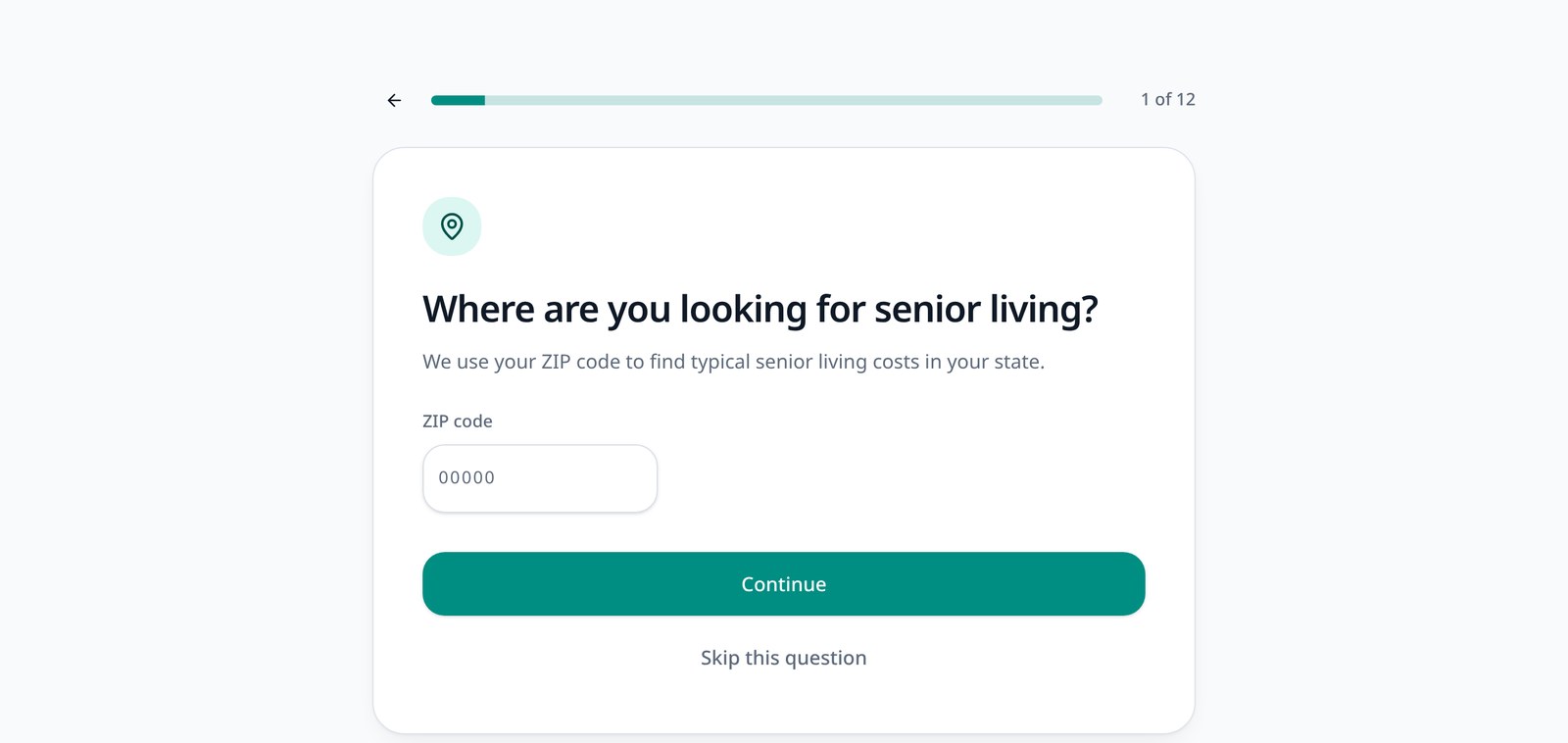
Full page width, no fixed height, and no internal scrollbars.
How website embedding works
Five steps from creating the calculator to seeing leads in your dashboard.
- 1
Create your calculator
Configure community, calculator type, care types, pricing, and branding.
- 2
Publish it
The same calculator instance powers both hosted and embedded use.
- 3
Copy the embed code
Your dashboard generates the snippet with the correct calculator address.
- 4
Paste it into your website
Drop it into the page or content block where families expect pricing.
- 5
Track results
Starts, completions, and leads keep flowing into the operator dashboard.
Keep the pricing conversation on your site
An embedded calculator turns a static pricing page into a personalized comparison, without sending families somewhere else to get it.
Families stay on your website
No redirect to a third-party tool in the middle of a pricing conversation.
Pricing pages stop being dead ends
Visitors get a personalized answer instead of a phone number and a form.
No website rebuild required
One snippet into an existing page — your theme and layout stay untouched.
Designed for desktop and mobile
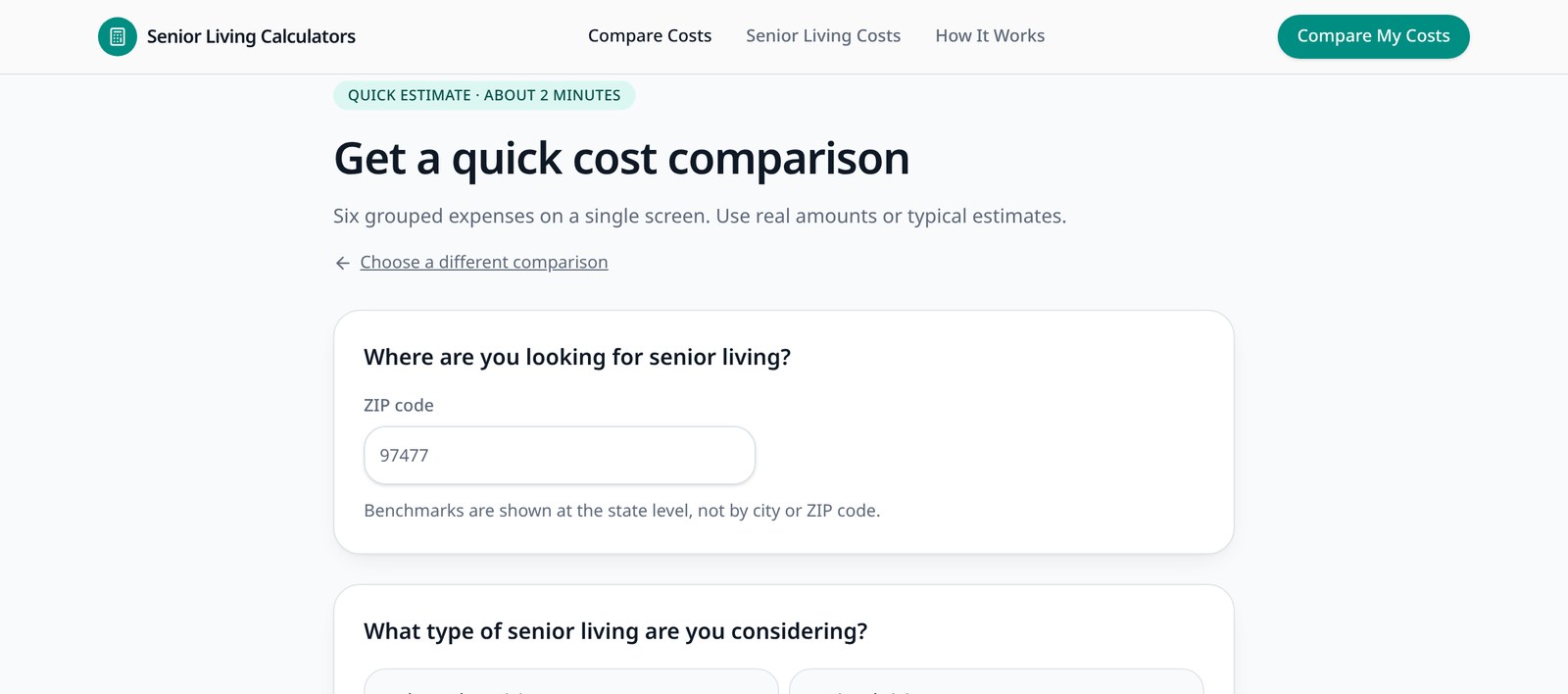
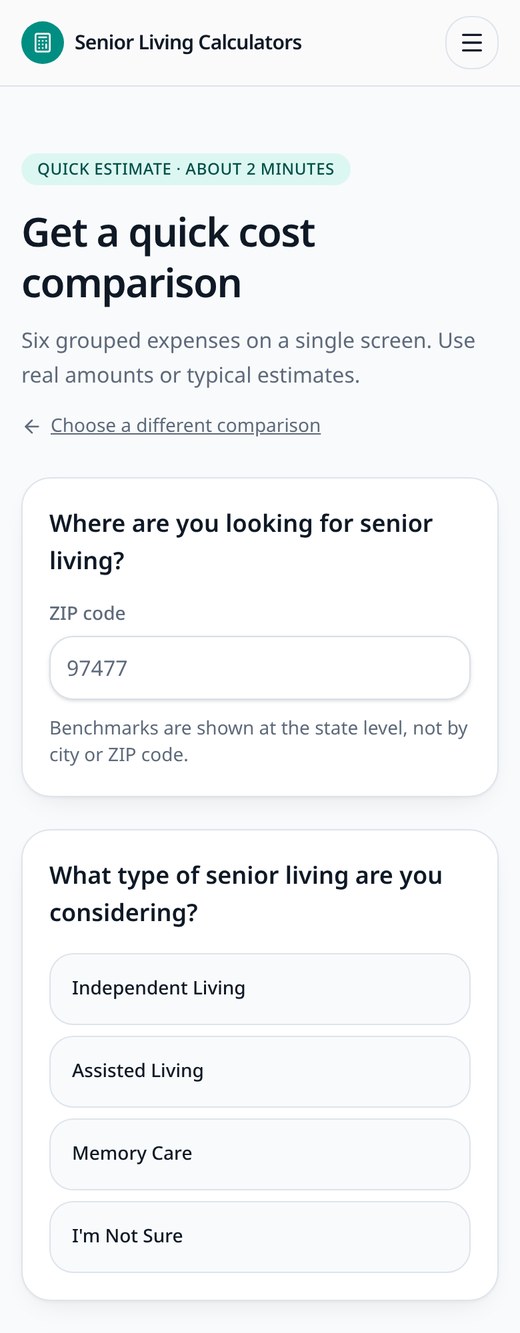
The embed fills the width of its container and adjusts its height automatically as families move through the questions.
- Responsive width — 100% of the container it sits in
- Automatic height resizing as content changes
- No fixed-height iframe required
- Mobile-friendly calculator layout
A small script, your existing page
Every published calculator has a hosted address. The embed script loads that same calculator inside your page and keeps it sized correctly.
- Hosted calculator lives at /calculator/{slug}
- The embedded view is the same URL with ?embed=1, without site navigation
- embed.js creates the iframe and forwards campaign parameters
- The calculator reports its height to your page with postMessage
- Height updates are watched so the frame grows and shrinks with the content
- A plain iframe fallback is available for sites that cannot load external scripts
<div data-slc-calculator="your-calculator-slug"></div>
<script src="https://seniorlivingcalculators.com/embed.js" async></script>
Your dashboard generates this snippet with the correct calculator address, plus a preview so you can see the embed before it goes on your site.
Works with WordPress
Add the calculator using a Custom HTML block or equivalent embed area without rebuilding the surrounding page.
- 1Copy the embed code
- 2Open the desired WordPress page
- 3Add a Custom HTML block
- 4Paste the code
- 5Publish
Most themes and page builders that allow custom HTML will work, though we cannot guarantee every theme and plugin combination.
Match your community brand
Embedded calculators use the branding configured for the organization and community, so the tool reads as part of your website.
- Organization or community logo
- Primary color and button colors
- Community imagery where configured
- Community-specific calculator copy and pricing
Branding covers logo, colors, imagery, and copy — not a fully custom white-label application.
One calculator instance, multiple ways to use it
The hosted page and the embedded view are the same calculator, with the same pricing and the same reporting.
- Opened as a hosted page you can link to
- Embedded on one or more community website pages
- Linked from marketing emails and printed materials
- Used with QR codes or campaign links
There is no need to duplicate a calculator just to place it somewhere new.
Embeds still track performance
An embedded calculator is not a separate, untracked version — activity flows into the same operator dashboard as the hosted calculator.
Add a senior living cost calculator to your website
We will help you configure the calculator, match your branding, and get the embed code onto the right pages.